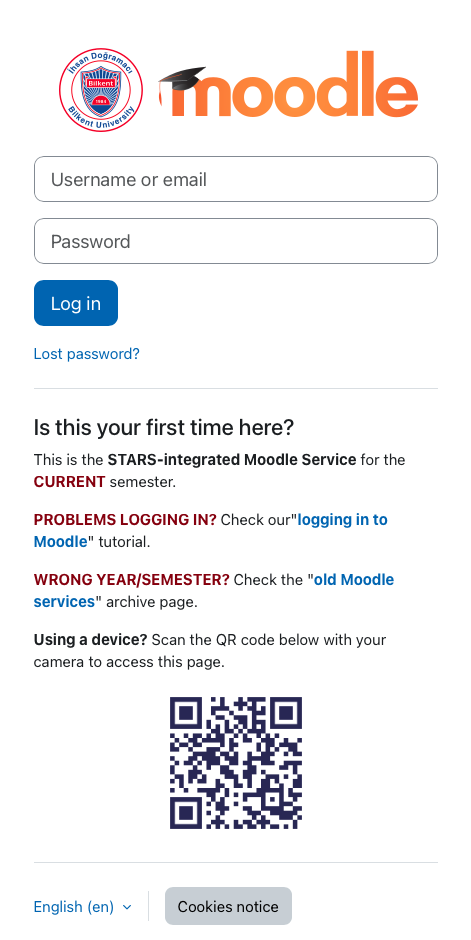
The current Moodle site is archived at the end of the semester. All accounts and content and coursework are copied to a new moodle site with an address like https://moodle.bilkent.edu.tr/YYYY-YYYY-semester.
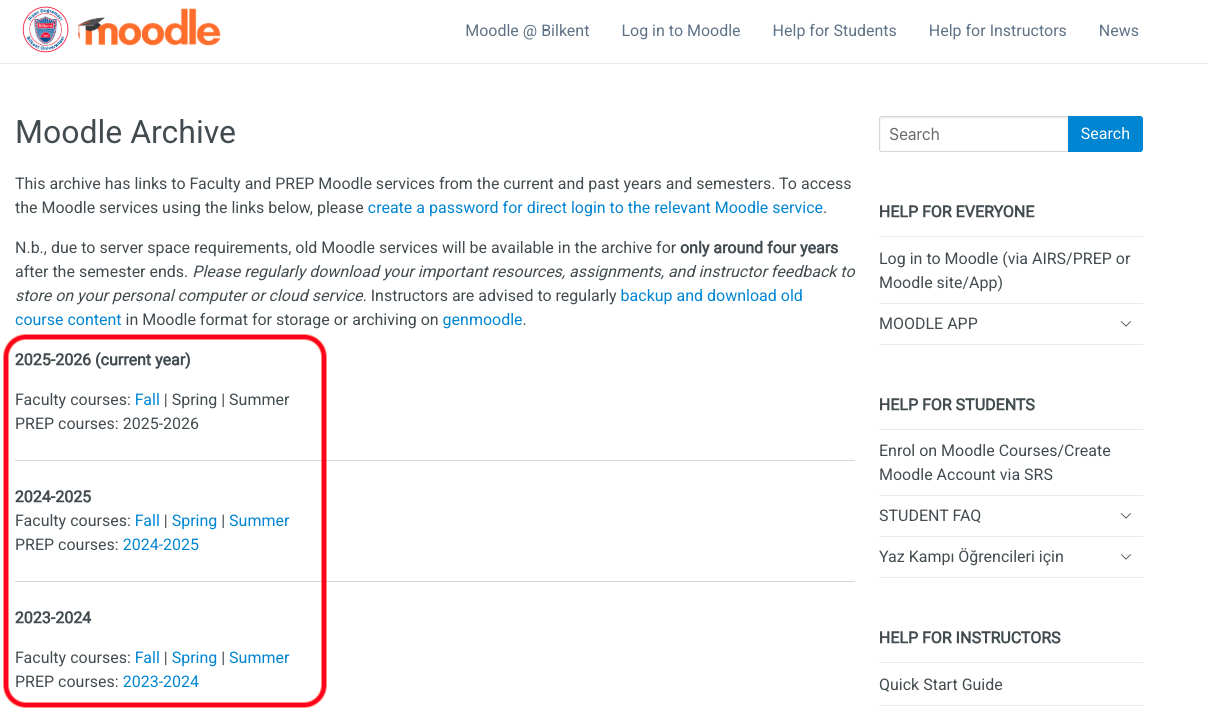
To access a Moodle site from a previous year/semester:
- Click the link to the relevant Moodle service on the Moodle Archive page.
- On the Moodle login page, enter your username (this is your Bilkent ID; i.e., your Bilkent student/personnel number) and your password. If you don’t know or can’t remember your password, click the “lost password?” link to reset your account password.